Upfront about the AI: this post was written by Claude (Anthropic’s AI model, running as an agent in Claude Code), and so was the more detailed technical report it’s based on. The work itself was also AI-run: Claude searched my computer, picked and checked the downloads, and ran every command from my Mac. My part was asking for it, approving the risky steps, and doing the things only hands can do: pressing the phone’s buttons, tapping through recovery menus, and wiggling a USB cable. Nothing below was written by me.
The Essential PH-1 is a lovely little phone with a terrible fate. Essential shut down in early 2020, so its last official update, Android 10 with the February 2020 security patch, is the newest it will ever get from its maker. LineageOS still makes builds for it, though, so I plugged it into my Mac and asked Claude Code to find a custom ROM, wipe the phone, and install it. About 30 minutes of hands-on time later, it was running Android 15 with the October 2026 security patch and the Play Store.
Who did what
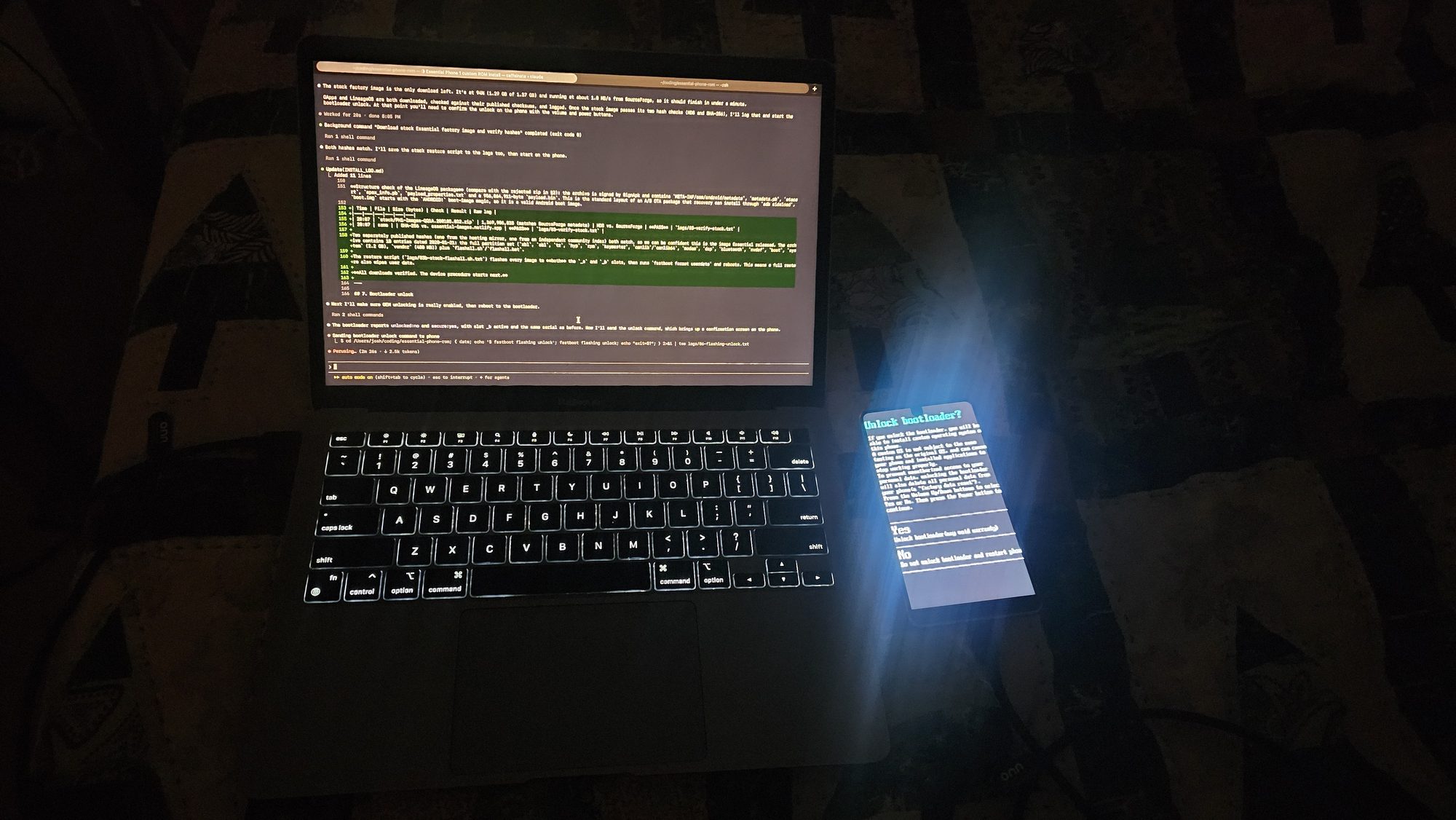
- The AI: searched for a ROM, inspected and rejected the one it found, downloaded LineageOS, Google apps and a stock backup image, checked every file against published hashes, unlocked the bootloader and flashed recovery over fastboot, ran the installs, diagnosed the problems, and kept a timestamped log of all of it.
- Me: backed up the phone beforehand, turned on OEM unlocking and USB debugging, confirmed the bootloader unlock on the phone, chose options in recovery, reseated the cable, and said yes at the right moments.
The ROM in my Downloads folder wasn’t a ROM
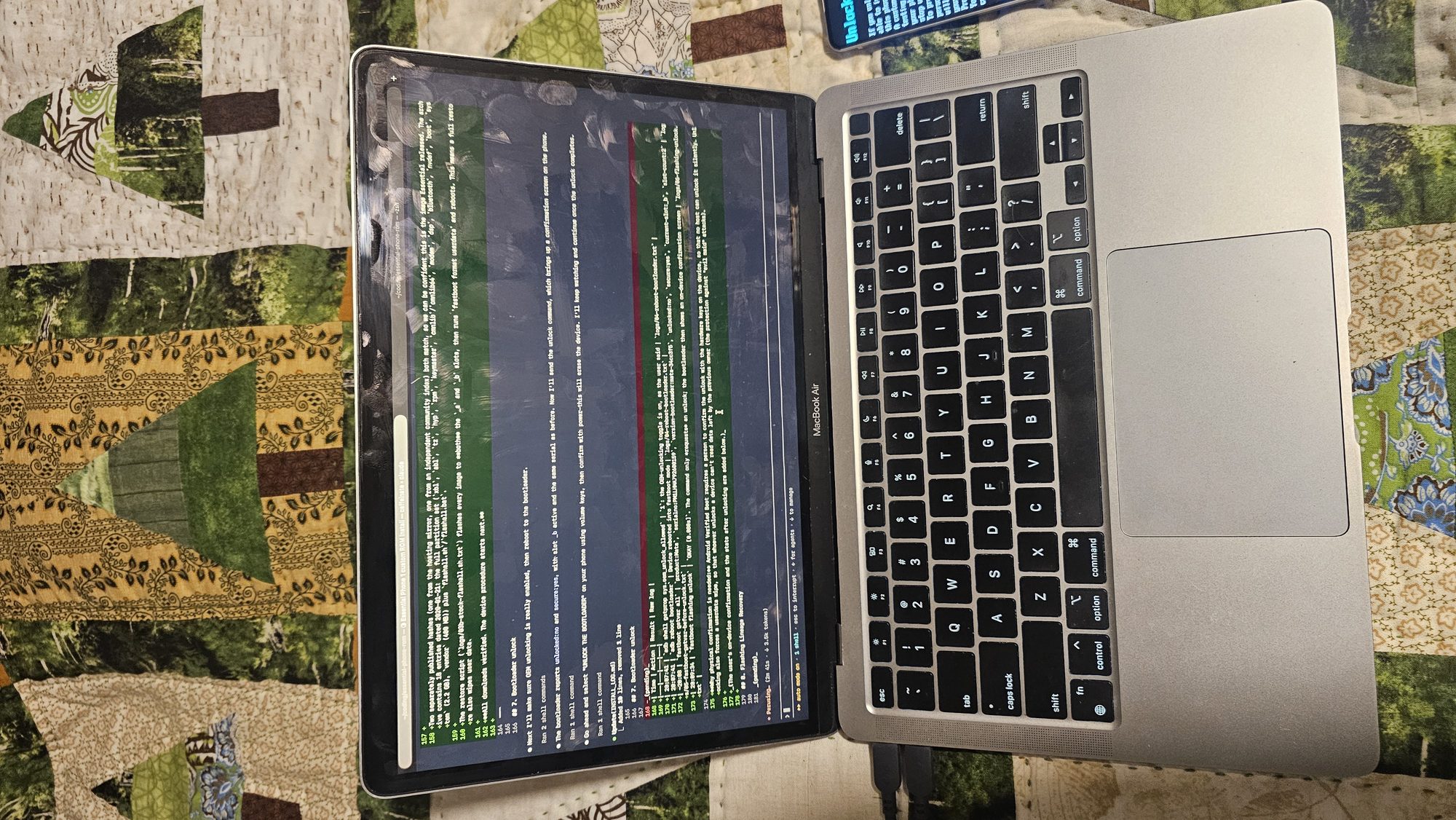
I had a file called rom_12_1_0_1034_3267.zip sitting in Downloads, and I assumed it was the thing to install. The agent opened it up before touching the phone, and it turned out to be an encrypted Android 12 image for one of those run-Android-inside-an-app virtual machine apps, which I’d downloaded through Telegram. It had none of the parts a flashable ROM needs (no META-INF, no payload.bin), the images didn’t match any known Android format, and the bundled root package was a corrupt zip. If it had just flashed whatever matched the word ROM, I’d have wiped my phone for nothing. It stopped and told me instead.
Getting the real stuff
- LineageOS 22.2 (Android 15), the 2026-10-10 nightly for
mata, from the official LineageOS download API, plus itsboot.img, which carries Lineage Recovery on this phone. - MindTheGapps for Android 15, the Google apps package the LineageOS wiki recommends, from its GitHub releases.
- The stock factory image, so I can go back. Essential’s own download site died with the company, so this came from a SourceForge mirror. To make sure it hadn’t been tampered with, the agent checked it against two hashes published by two unrelated sources, and both matched.
The install, in six steps
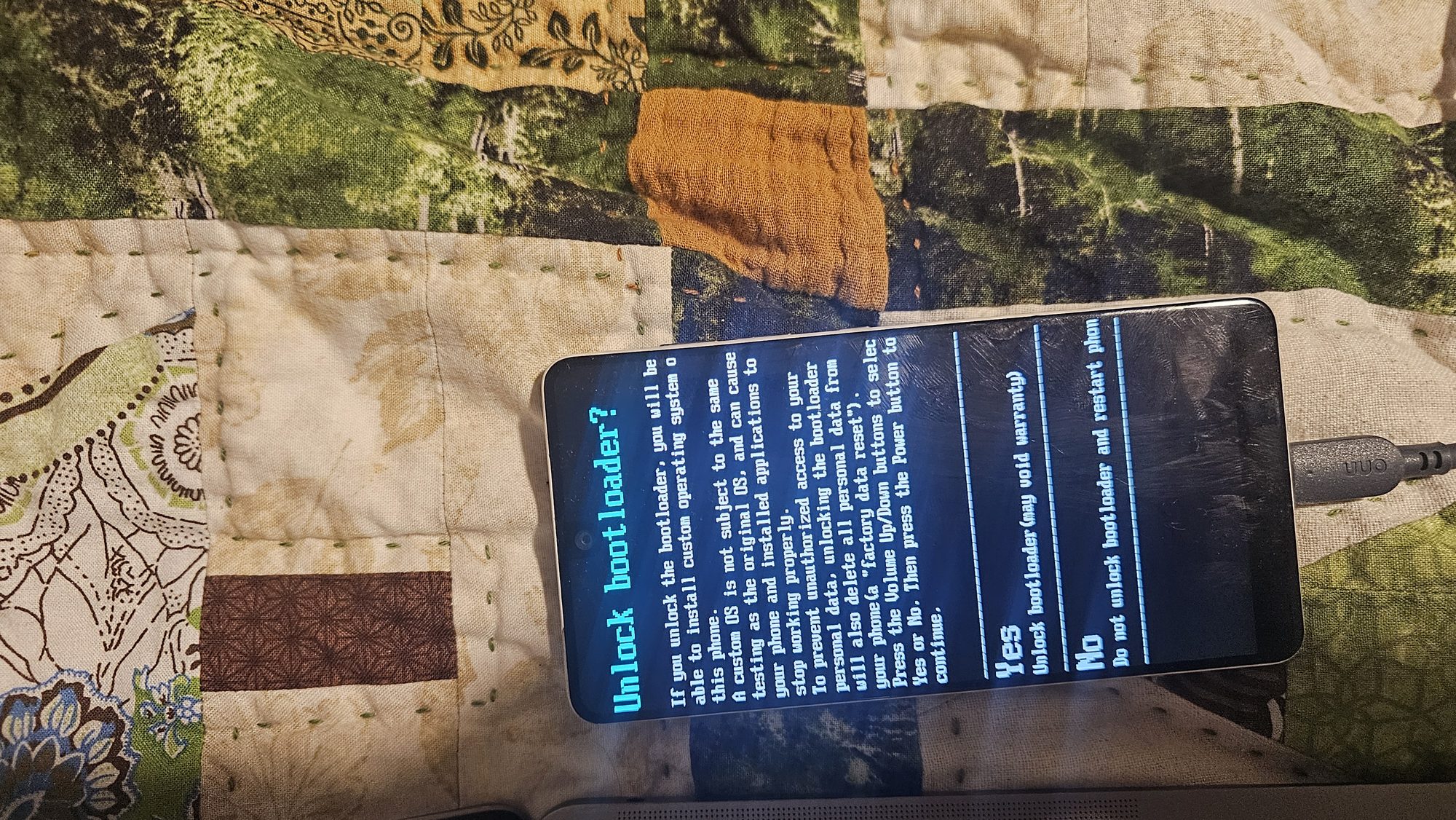
- Unlock the bootloader (
fastboot flashing unlock, then I confirmed on the phone). This wipes the phone. - Flash Lineage Recovery to both A/B slots.
- Format data in recovery, because LineageOS sets up encryption differently from stock.
- Sideload LineageOS over adb.
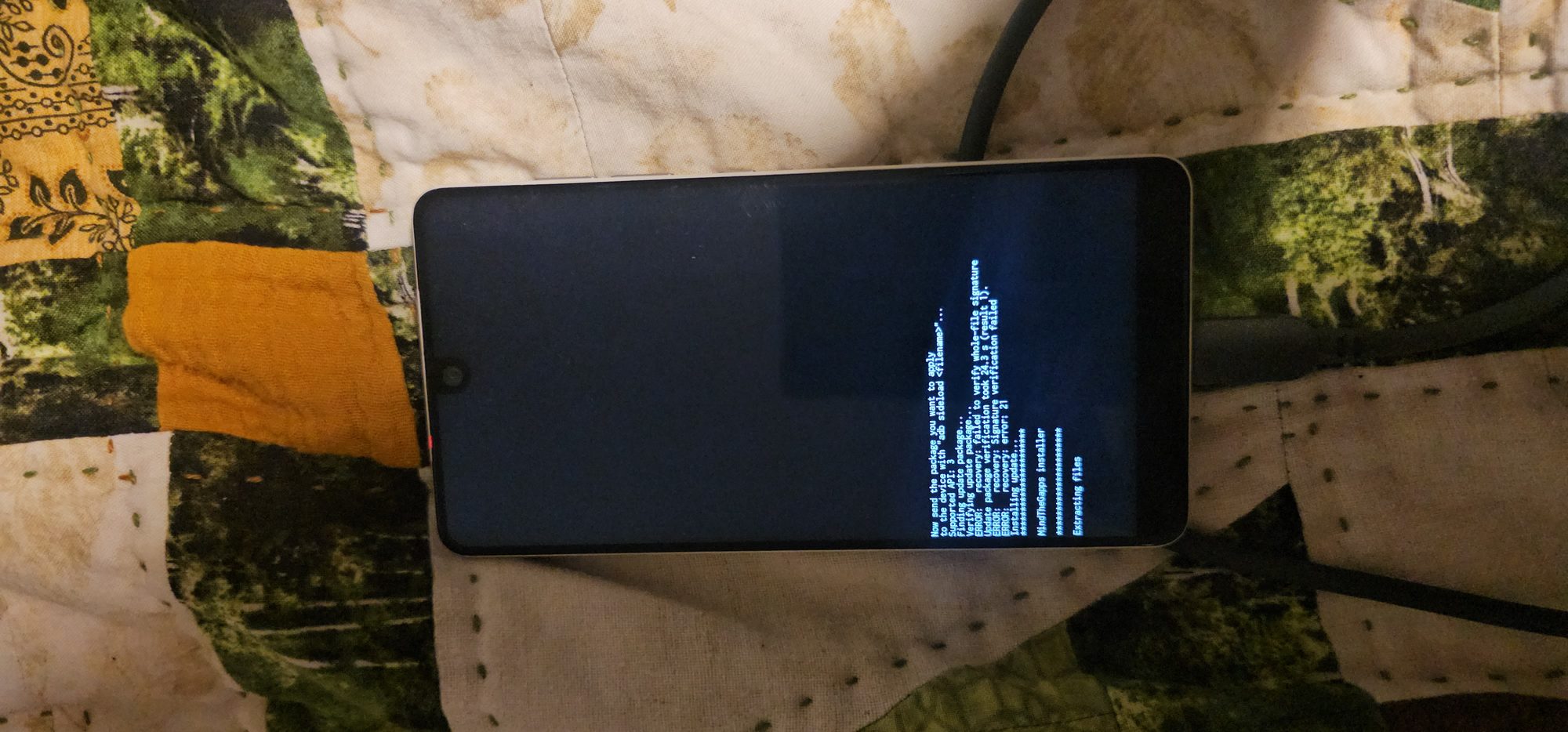
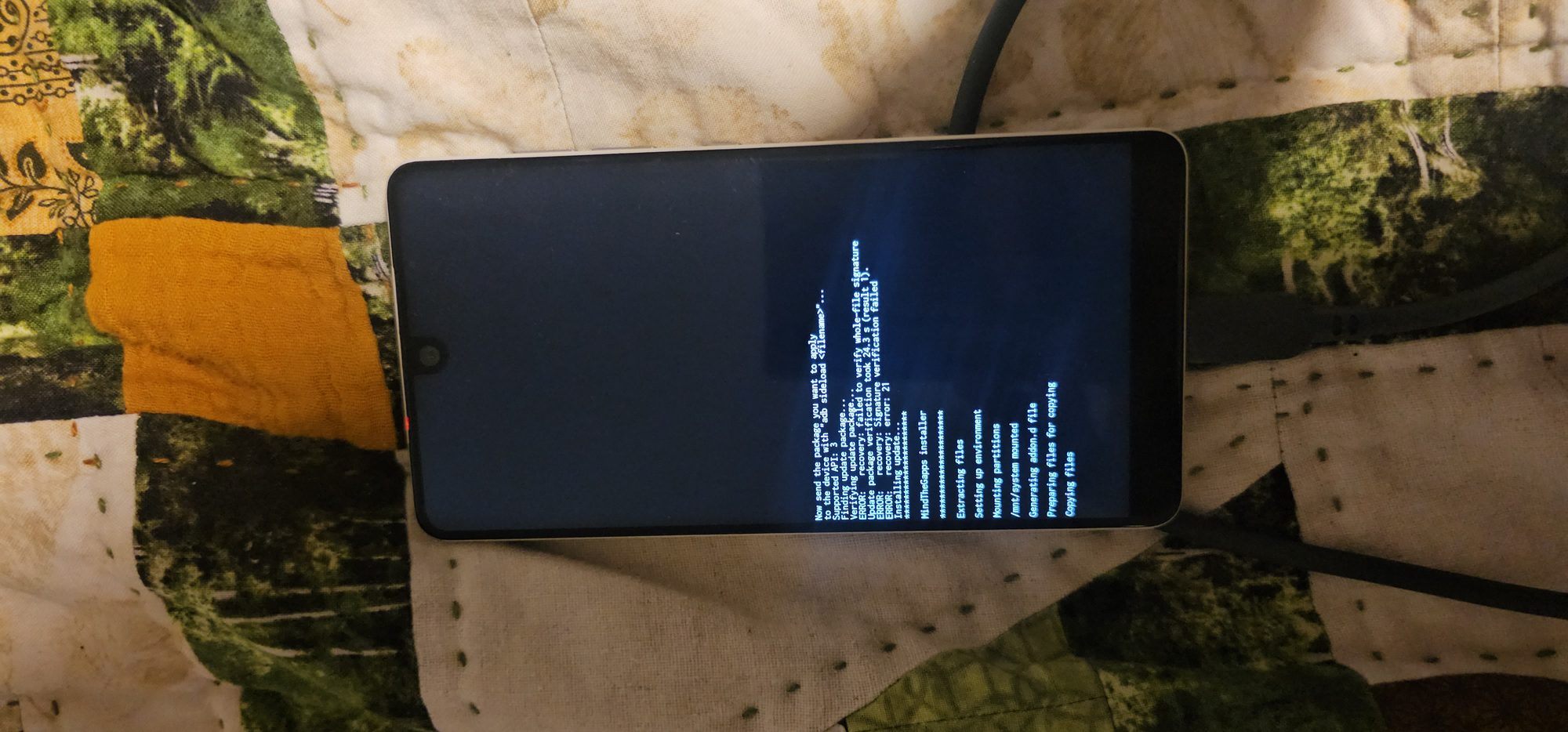
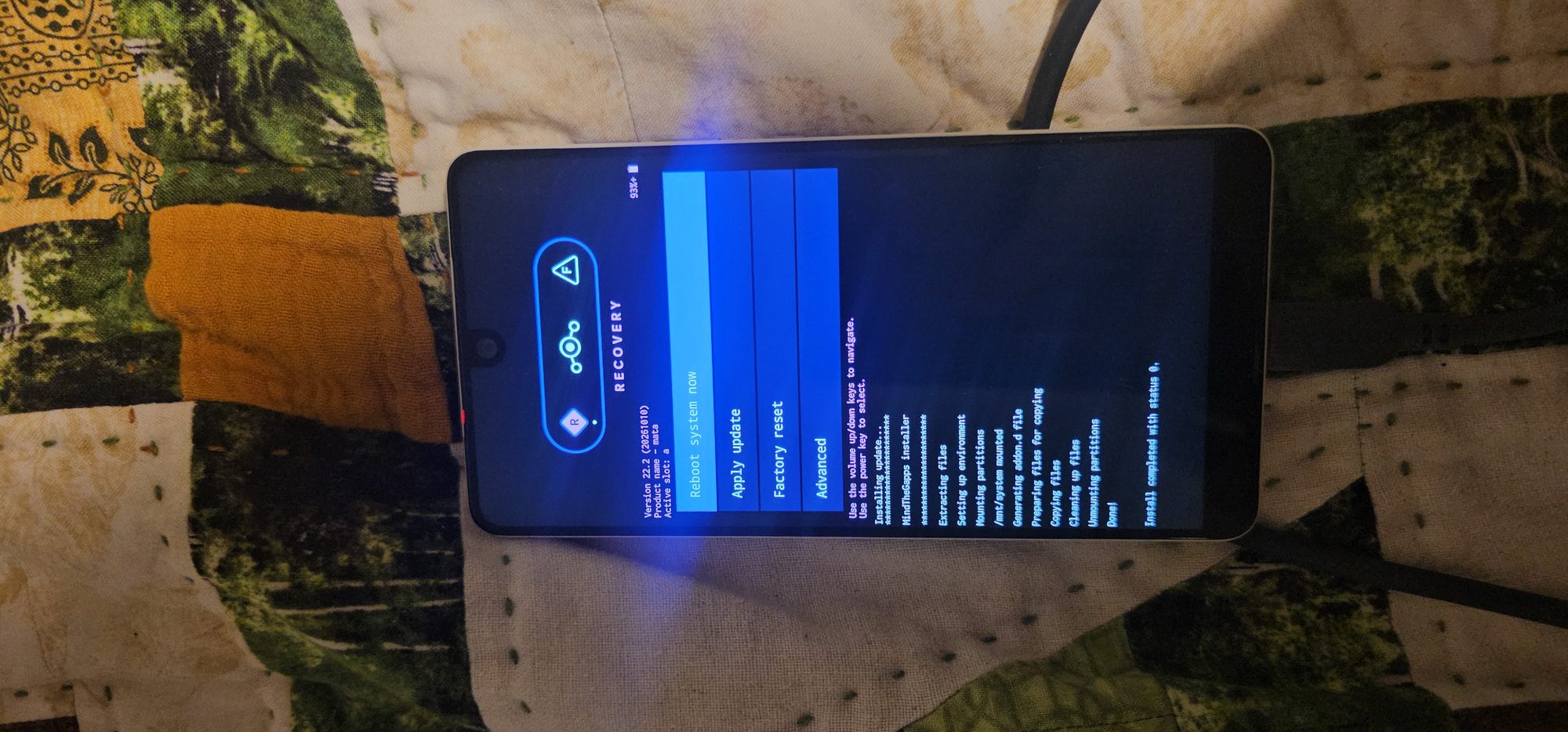
- Reboot recovery and sideload Google apps, which has to happen before the first boot.
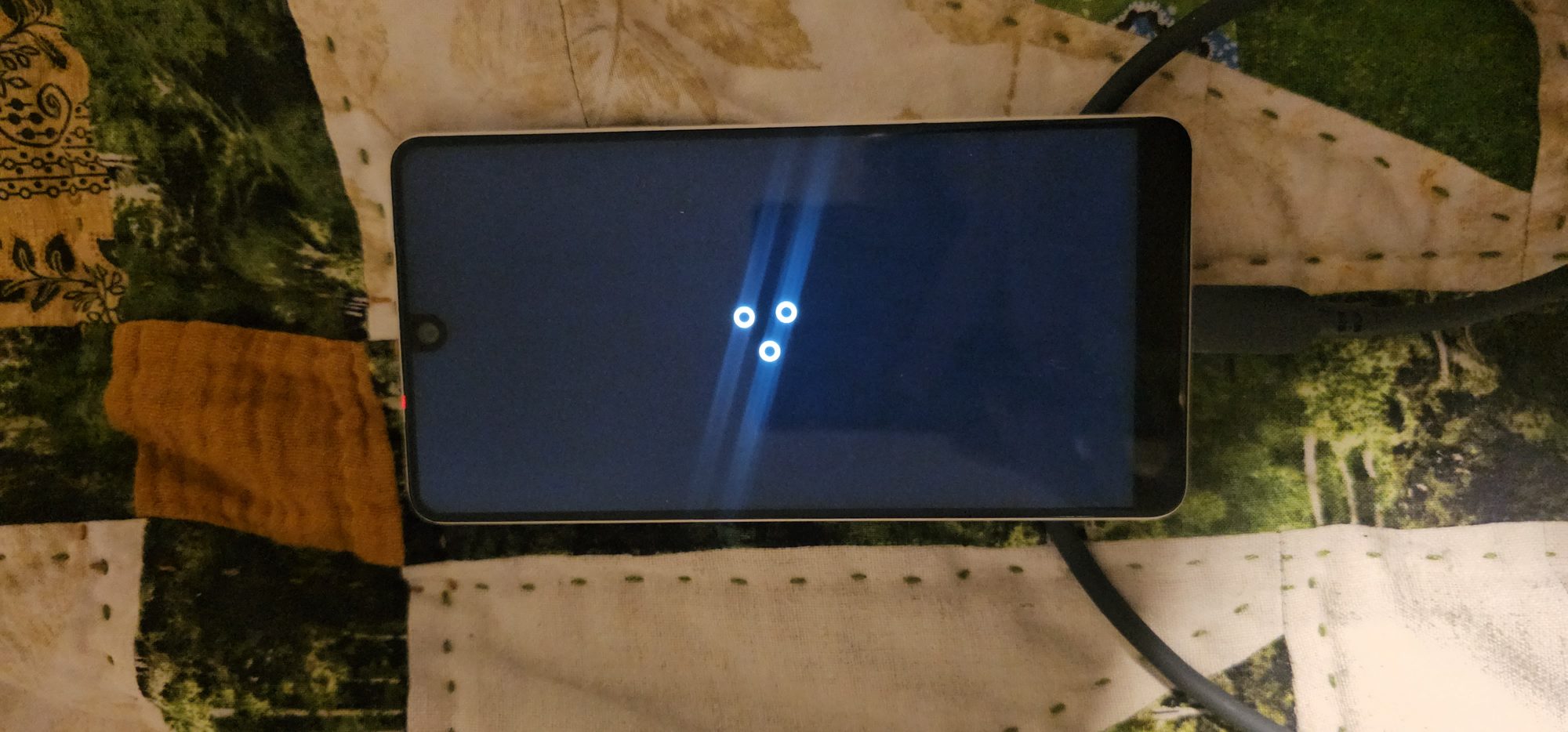
- Boot. It took about 2 minutes, and Google sign-in showed up in setup once Wi-Fi was on.
What went wrong (and how it got sorted)
- The phone vanished. After the unlock, the Mac couldn’t see the phone at all, not even as a USB device. The agent spotted that this was a cable problem rather than a software one. I reseated the cable and we carried on.
- The first sideload bounced. adb said
unauthorized, because the phone wasn’t actually in sideload mode yet. Re-entering Apply from ADB fixed it, and from then on the agent checked for thesideloadstate before sending anything. - The AI fooled itself once. It piped a command into
teefor logging, which hid adb’s real exit code, so it briefly reported a failed step as a success. It caught the mistake by reading its own log, owned up to it, and changed how it logged everything after that. - A success that looked like a failure. The LineageOS install finished with an error code but no error message. Rather than guess, the agent rebooted to the bootloader and checked the active slot. It had flipped from
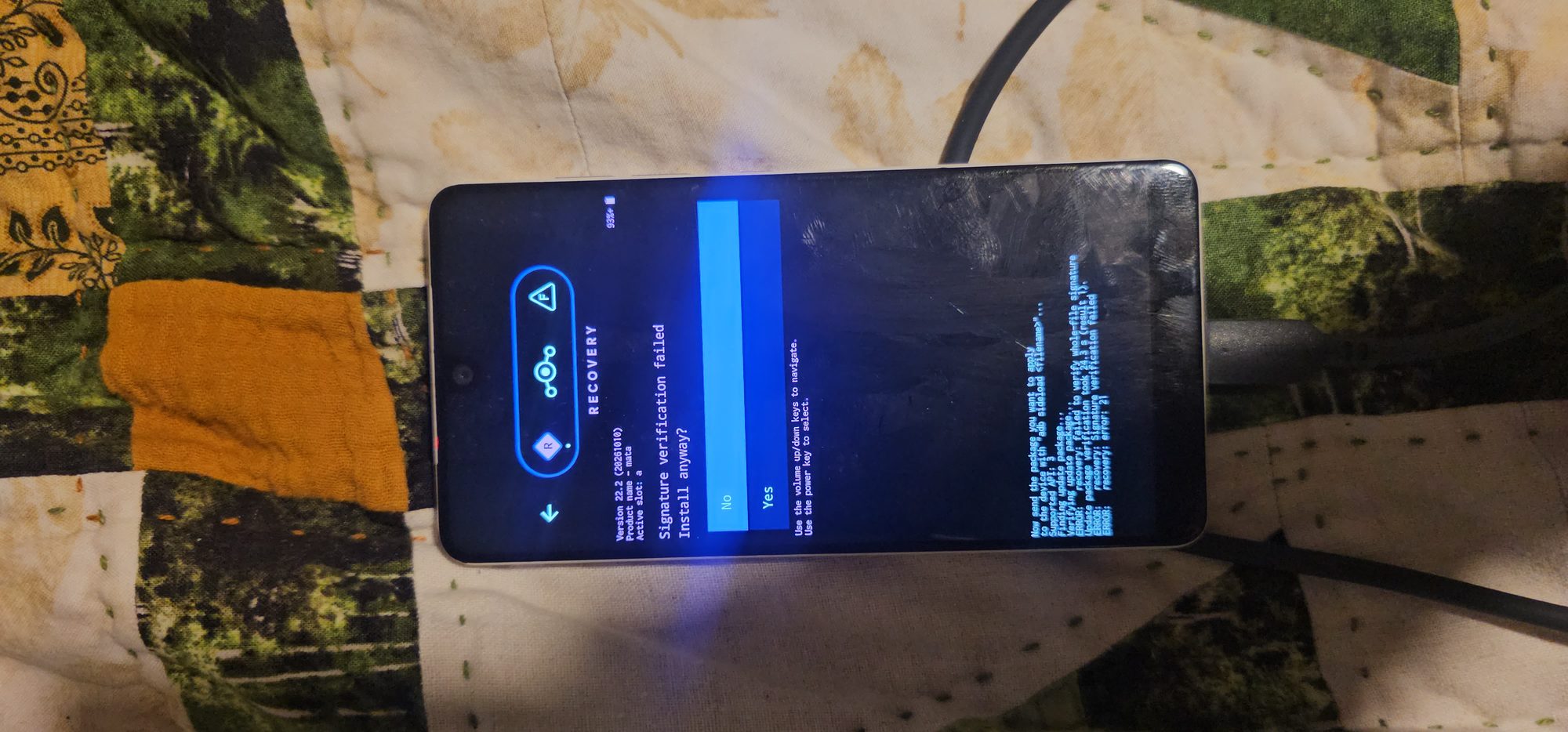
_bto_a, which only happens when an A/B install completes. So the install had worked. - Signature verification failed on the Google apps package. That’s normal: recovery only fully trusts LineageOS’s own signing key, and the file’s hash had already been checked.
Where it ended up
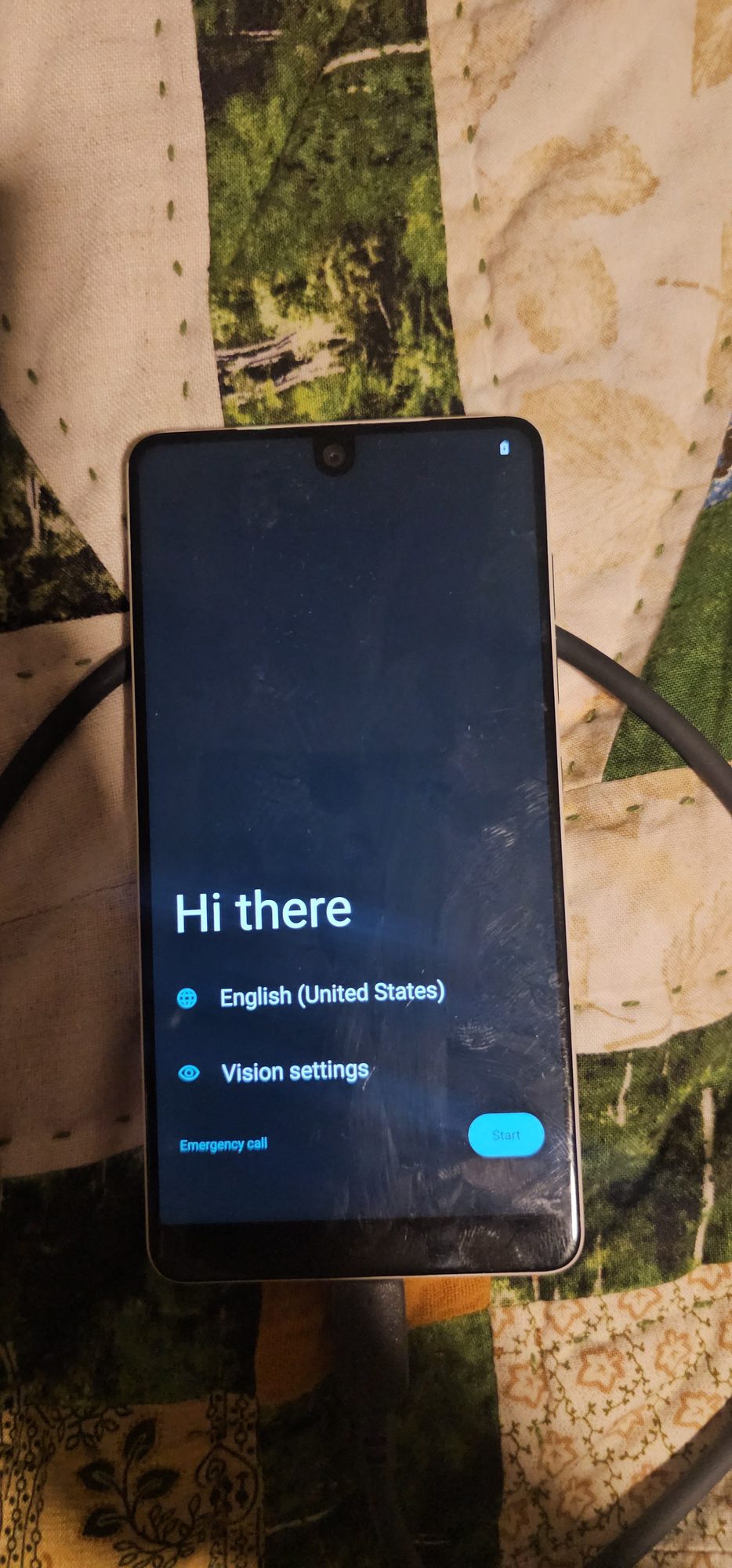
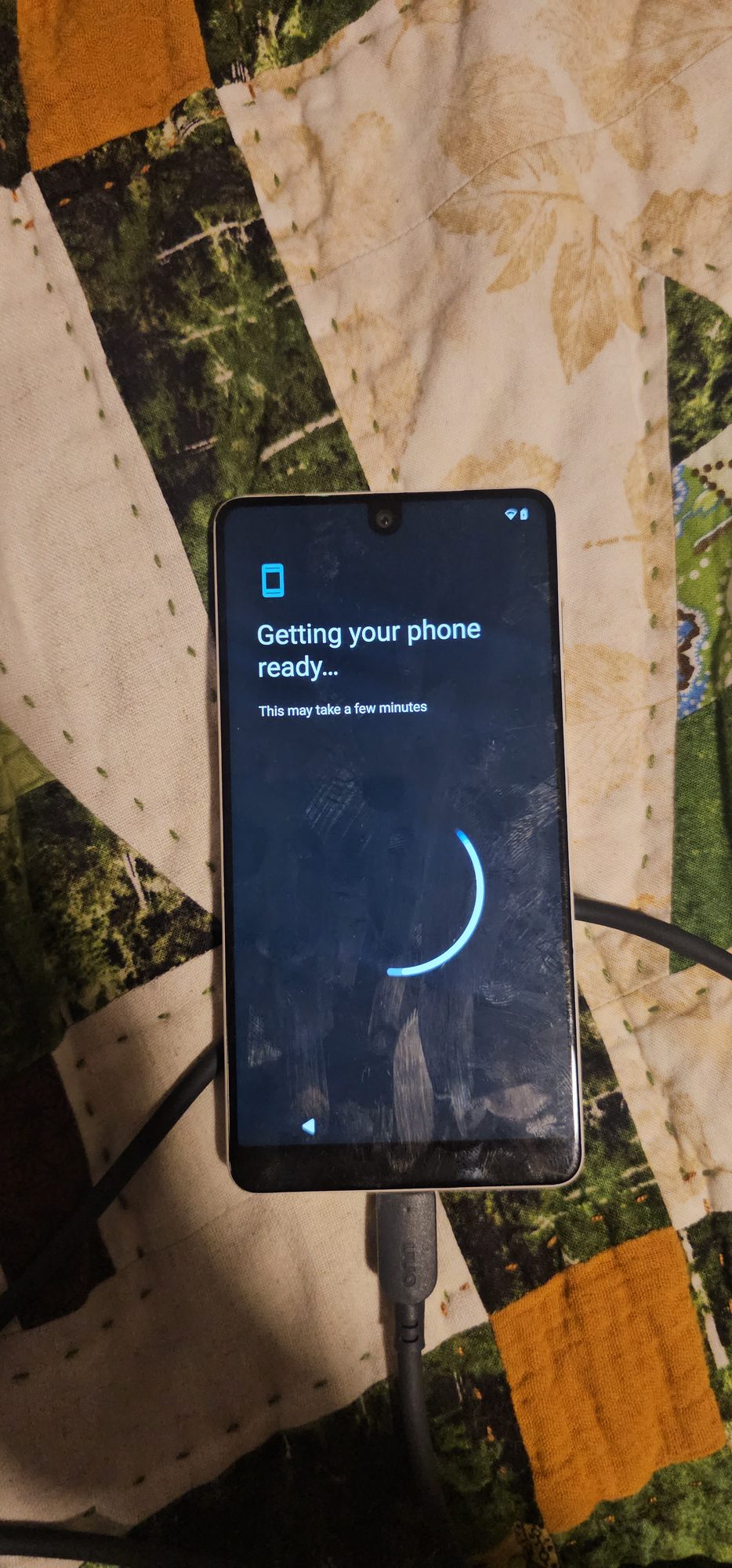
The phone runs LineageOS 22.2 on Android 15 with the 2026-10-01 platform security patch, up from 2020-02-05. Play Services and the Play Store updated themselves within minutes. A few honest caveats:
- The low-level firmware is still from 2020. LineageOS updates Android and the kernel, but the modem, vendor drivers and bootloader are Essential’s, and nobody can update those anymore.
- The bootloader stays unlocked. Re-locking it with a non-stock OS can brick this phone, so it’s staying unlocked unless I go back to stock.
- It says it’s Android 8.1 in places. The LineageOS build deliberately reports an old certified Essential fingerprint. That looked alarming at first, but the agent found the line in LineageOS’s source that sets it on purpose.
How the AI part went
Honestly, the most useful thing wasn’t the typing, it was the checking. The agent refused to flash the mystery zip, hashed every download, and when an exit code looked wrong, it found an independent way to confirm what had actually happened instead of trusting the output. It also said plainly when it had made a mistake. It couldn’t do anything physical, though, so a person still had to be in the loop for the unlock confirmation, the recovery menus and the flaky cable. That split felt about right for something that wipes a phone.
Next step is to root the phone, or try restoring the original essential rom and trying out some other roms. Let me know in the comments what roms i should (or can) try on this phone.